Time‑Phased Project Data API for S‑Curves & BI Reporting

Generate time‑phased values from Primavera, MS Project or Excel — instantly via API.
banner
SIGN IN
GET FREE API KEY
VIEW API DOCUMENTATION
Integrates with:
power b itableauexcelqlikqlik View

What is timePhasing?

timePhasing is a cloud service that converts project schedules and budgets into time‑phased datasets ready for reporting and analysis.

Built for Project Controls, BI & Analytics teams, and developers integrating project data pipelines.

Input: Primavera P6, MS Project, Excel or JSON project data.

Output: Time‑phased values, S‑curve ready datasets, JSON/CSV for BI tools.

No spreadsheets. No manual phasing. Fully automated, repeatable results.

Free API key available for testing. Usage‑based service.

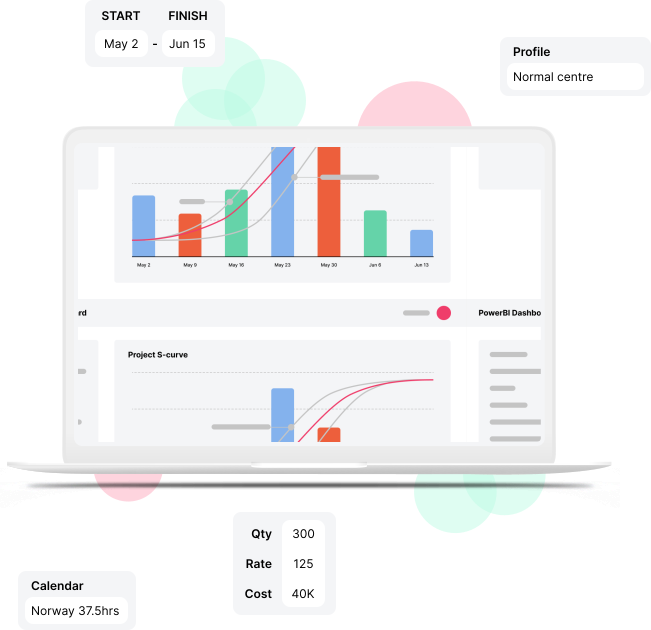
Example: Primavera schedule → time‑phased values → Power BI S‑curve in minutes.
How does it work?

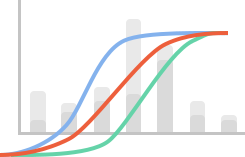
timePhasing is a time-phasing API that integrates your BI platform with your project scheduling software. It enables S-curve generation and project schedule phasing from existing data in your project schedules. It works as follows:
1
Input
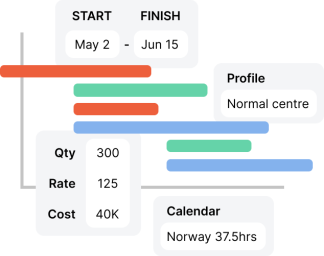
Provide timePhasing with existing data from project schedule software and / or project budget to get started. This can be one single project or a portfolio of projects, and be sourced from one or more scheduling tools (e.g. Primavera, Safran, Microsoft Project and even Excel).
2
Phasing magic
The service calculates accurate time-phased values based on activities, calendars, profiles and grouping logic you define.
3
Output
Accurate period values are returned to you, ready to be visualised by any BI platform.

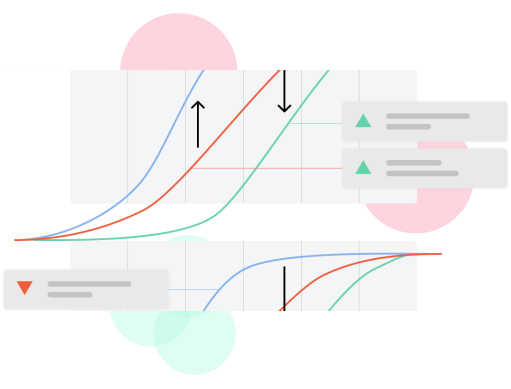
Hassle-free S-curve generation

Our time-phasing API is fast, rendering new S-curves at the touch of a button. Edits to source data are reflected immediately, enabling your project managers to plan and model without delay.
S-curve generation from time-phasing API

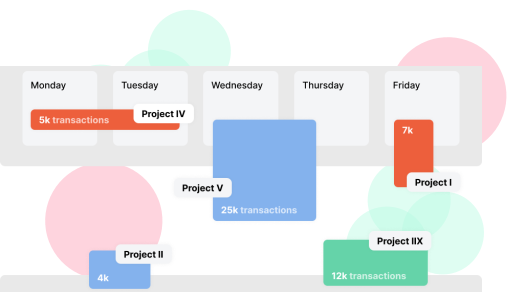
Portfolio reporting

Consolidate multiple projects into one S-curve using our project schedule phasing service, even if you are using multiple planning tools.
Portfolio reporting with time-phased data

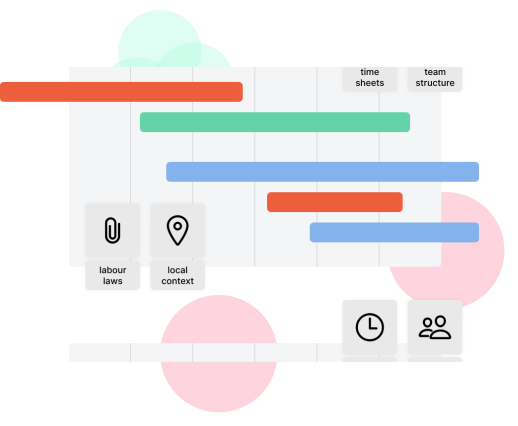
Flexible at any scale

Our high-performance time-phasing algorithms are suitable for large- and small-scale use. Project schedule phasing is a complex task whether your activity list counts below 100 or exceeds 10s of thousands with multiple calendars and profiles.
Flexible time-phasing API at scale

Who are our Customers?

The timePhasing algorithm is trusted and used by organizations in both private and public sector, engaging in activities from the deep sea to outer space.

Plans & pricing

We use a point based pricing model: you pay per API action, no more, no less. Choose a plan that fits your needs, or start with our free forever deal, and try timePhasing with a limited number of free actions / day.

0EUR
free forever.
Free
Give timePhasing a try, no strings attached.
0 actions / undefined
GET STARTED
0EUR
per month, cancel anytime.
Subscription
Dependable timePhasing API access at any scale.
PURCHASE
500+
per month, custom pricing.
Enterprise
We offer custom pricing for large orders.
CONTACT SALES

Get started

Pull down to refresh...
Release to refresh...
Refreshing...
Welcome to the timePhasing quick start guide.
Welcome to the timePhasing quick start guide. The aim of this guide is to give you a basic understanding of the various features within time phasing, as well as provide instruction on how to create your first API request.
We recommend reading in its entirety. If you need more in-depth knowledge of our API, visit ourDevelopers Sectionpage.
Quick start steps
timePhasing is a data processing API. It operates according to the following steps.
Step 1: Your input data
timePhasing doesn’t create numbers out of nowhere, it need your input data to get started.
Input data can be various things. If you are a planner the input data may be a project schedule, if you are a controller it may be budget items with start and finish dates.
Step 2: Label your input data
In order to understand what’s what, the timePhasing service needs you to provide information about your data to make calculations.
For example, which fields in your data set contains the value you want to time-phase? This can be a field that contains cost, man-hours or any other quantity you desire to display in Output Data.
Step 3: Specify output requirements
How do you want timePhasing to process the data? What output are you looking for? And in what format?
For example, do you want the Output Data to be time-phased by week, month or perhaps year?
Step 4: The output data
Based on Element 1, 2 and 3 the timePhase service will return a periodic data set that can be visualised as histograms and/or as a table.
For example the Output Data can be a table with projects and their monthly cost budget.

A note on the data format
Data in timePhasing is always formatted in JSON. This is the case for both input and output data. A basic understanding of JSON will be very useful when reading this guide. If you’re not familiar with the format, we suggest you read up on it here.
The steps in practice
Now that we know the steps we need to take to have timePhasing process our data, lets put our knowledge into practice!
Below is an interactive demo that takes you through the four steps. Start of by selecting the type of input data that suits your needs in step 1. Every ensuing step allows you to experiment with the data and the various timePhasing functions on offer.
To see what your data and choices look like in JSON format, try the view mode option.
1
Your input data
Try this at home!
We have prepared examples for you in Excel and Power BI. This gives you the opportunity to experience timePhasing in its proper context. You can run the examples using provided input data, or you can replace them with your own to get started with time-phasing of your data. Give them a spin with the View examples button below.
View examples here
Ready to get started? You need to provide a token key to use the timePhasing service. Click below button to enter the Tokens page and create your own personal key.
Create a token to access the service
Want to read more about the service? Visit the developers section for a more comprehensive API documentation by clicking button below.
Developers section
Loading...
timePhasing|promineo
terms and usebotprivacy policy
support@promineo.comlinked in